Let's unlock Paint by Numbers in Canva!
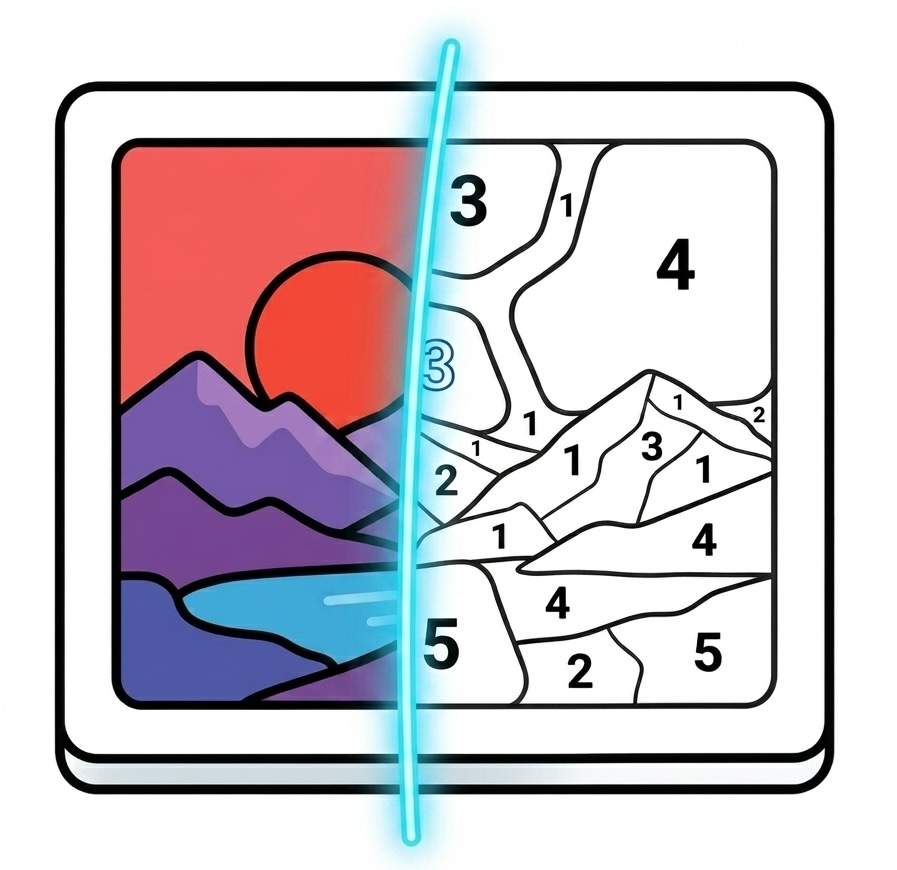
Convert any photo or design in Canva into a customized paint-by-numbers template. Perfect for custom coloring books, printable activities, and relaxing art projects.
Frequently Asked Questions
How do I install Paint by Numbers?
Visit https://www.canva.com/your-apps/AAHAAFOBXnE/paint-by-numbers and click Use in new design.
How do I use Paint by Numbers?
Follow our Paint by Numbers guide to turn an image into a colouring activity, with step-by-step instructions and videos.
What do the detail levels do?
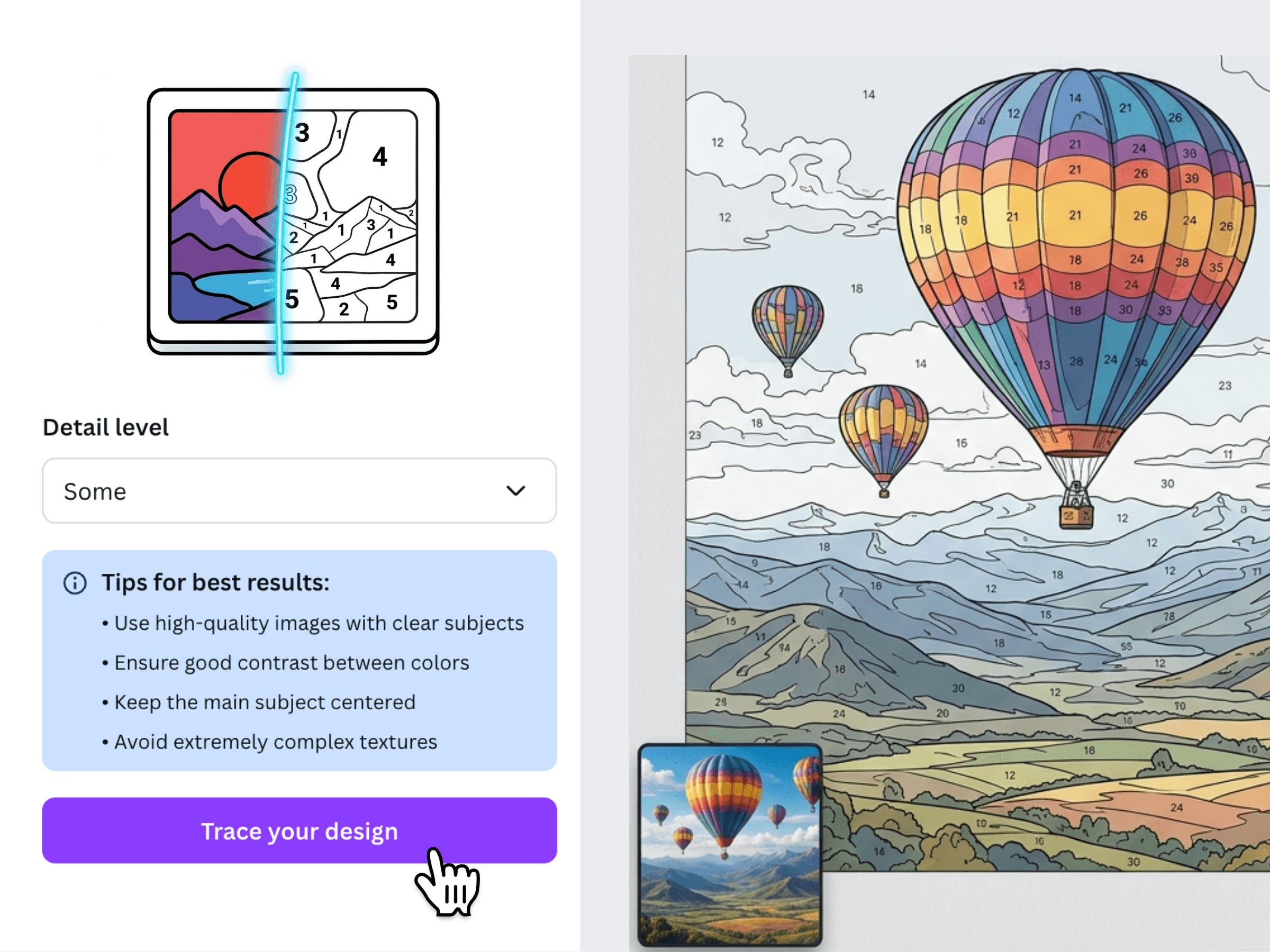
You can choose from different detail levels—from "None" to "Lots". A lower detail level generates fewer, larger regions which is ideal for children or simple paintings. A higher detail level captures more intricate shapes and details for complex artworks.
How can I get the best results?
For best results, use high-quality images with clear subjects and good contrast between colors. Keep your main subject centered and try to avoid extremely complex textures.
Can I sell the pages I make?
Yes — you'll need an All Apps + Commercial subscription. That unlocks all four Fifteen Sparks Canva apps and includes the right to sell your work while the plan is active, including on Teachers Pay Teachers, Etsy, and similar marketplaces. If you subscribed before 5 September 2026, you already have those rights.
Where can I find the privacy policy?
Privacy policy is here
Where can I find the terms and conditions?
Terms and conditions are here
Have a different question? Email us at info@fifteensparks.com and we'll get back to you. Terms and conditions