Let's unlock Scissor Lines in Canva!
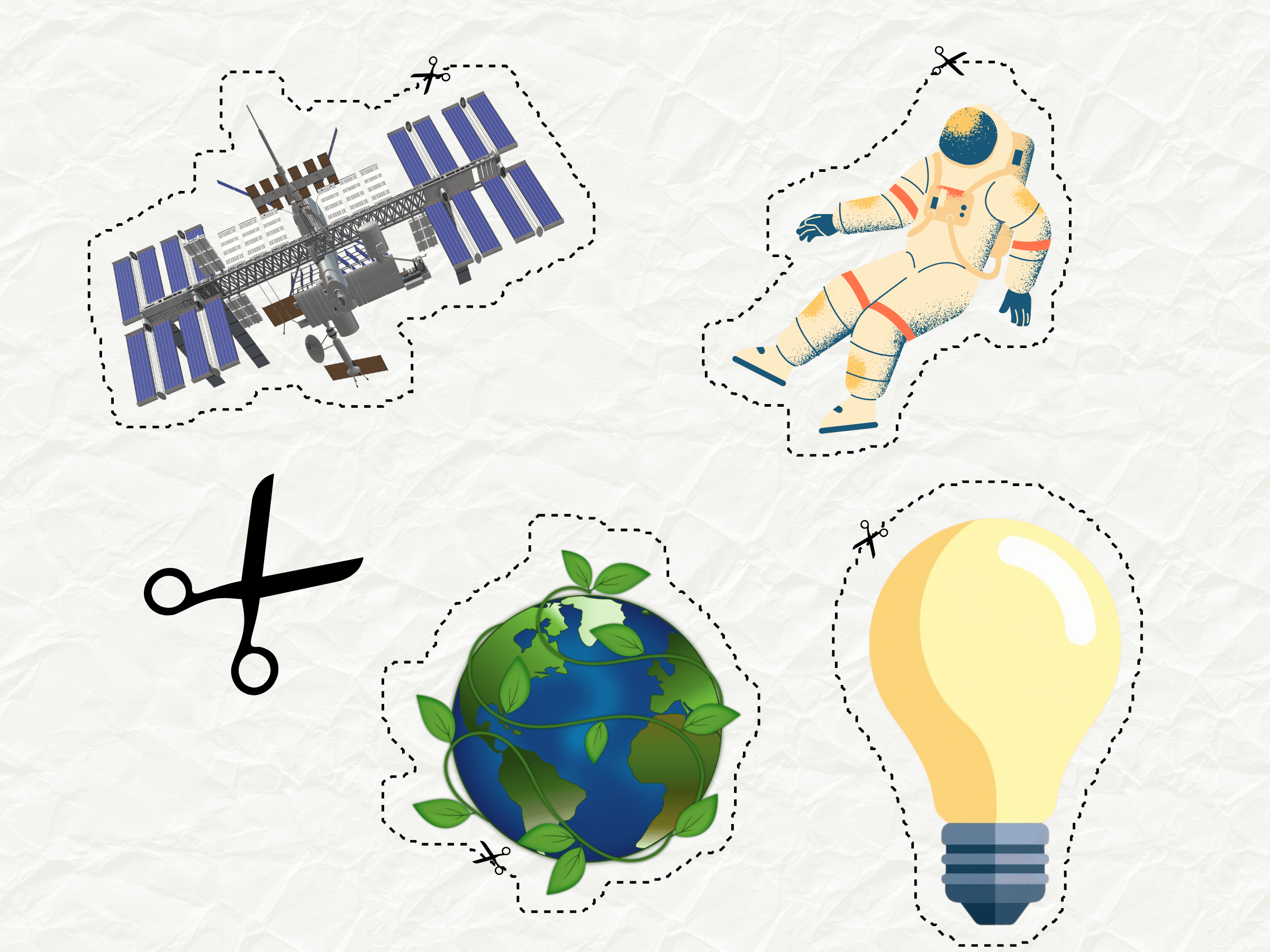
Create perfect cut-out lines around people and objects in Canva with one click. Perfect for stickers, scrapbooking, and product highlights.
Frequently Asked Questions
How do I install Scissor Lines?
Visit https://www.canva.com/your-apps/AAG-eObzZDs/scissor-lines and click Use in new design.
How do I use Scissor Lines?
Follow our Scissor Lines guide to add cutting paths around your objects, with step-by-step instructions and videos.
Can I customize the outlines?
Yes! You can choose from different gap sizes—from "Tiny" to "Lots"—to get the perfect look for your stickers or cut-outs.
Can I sell the cut-outs I make?
Yes — you'll need an All Apps + Commercial subscription. That unlocks all four Fifteen Sparks Canva apps and includes the right to sell your work while the plan is active, including on Teachers Pay Teachers, Etsy, and similar marketplaces. If you subscribed before 5 September 2026, you already have those rights.
Where can I find the privacy policy?
Privacy policy is here
Where can I find the terms and conditions?
Terms and conditions are here
Have a different question? Email us at info@fifteensparks.com and we'll get back to you. Terms and conditions