
Hi, Marty here from Fifteen Sparks 👋. I've hand-written this step-by-step tutorial to explain how I created and published the children's activity book Campfire Companions in Canva with some of the activity making apps we've built.
This is not a tutorial on how to make heaps of money or find your niche or any of that - there's plenty of other info for that online, instead I'm going to take you through how to actually make an activity book and get it uploaded.
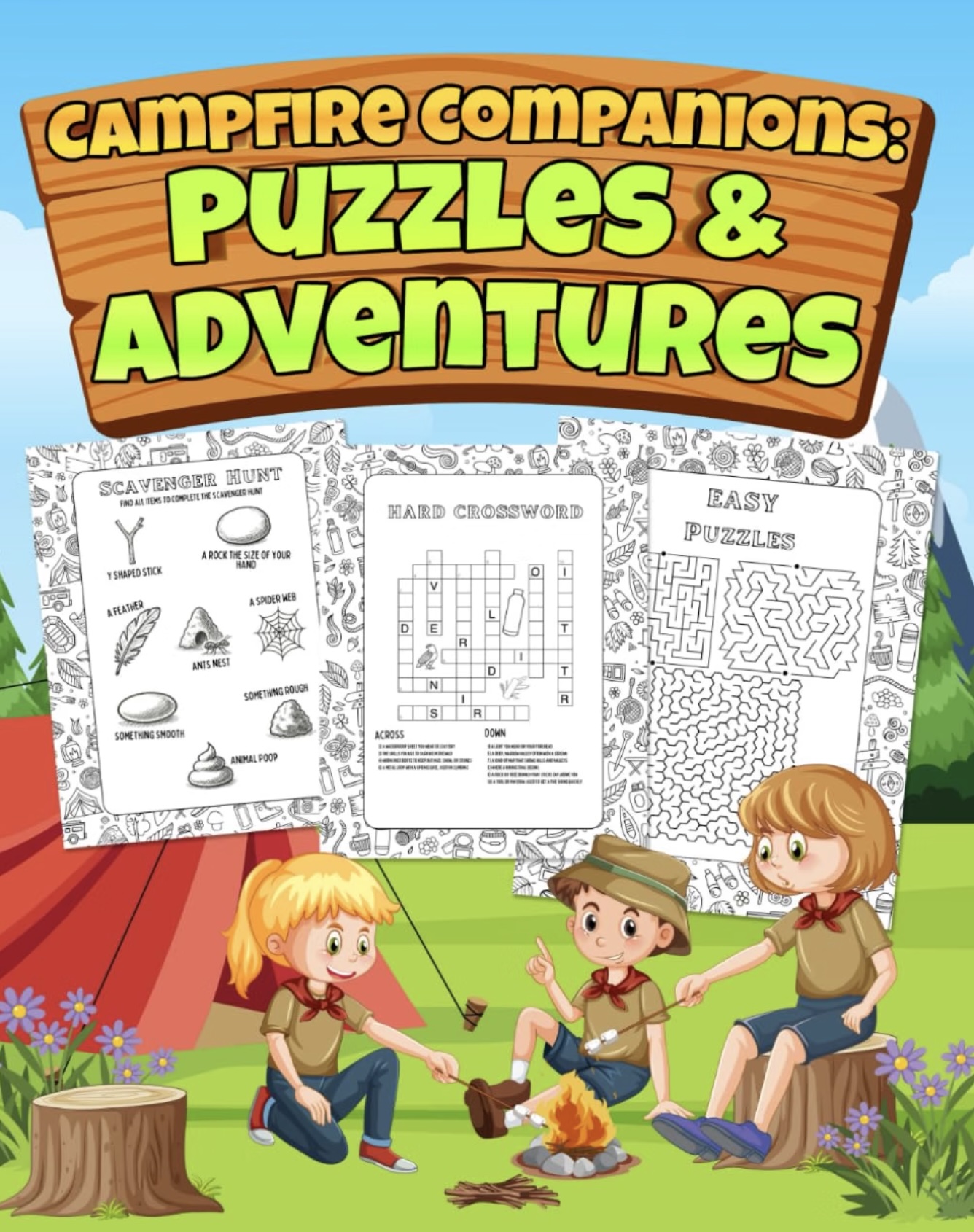
The cover of the activity book (Amazon)
Breaking it down...
- 01 Set up the design Set the right dimensions in Canva
- 02 Add a theme Optional, but it keeps the book feeling like one product.
- 03 Add your first maze Generate a maze that fits the page, then lock the layout.
- 04 Add a crossword Drop in a Crossword AI puzzle and leave room for the clues.
- 05 Add a paint by number Turn an illustration into a numbered colouring page.
- 06 Add a cut-out page Give kids something to cut, using Scissor Lines.
- 07 The cover page Make the cover read as a book, not a leftover interior page.
- 08 Publish to KDP Export the interior, upload the cover, and fill in the KDP listing.
- 09 Get your first proof Order a physical copy before you tell anyone it exists.